

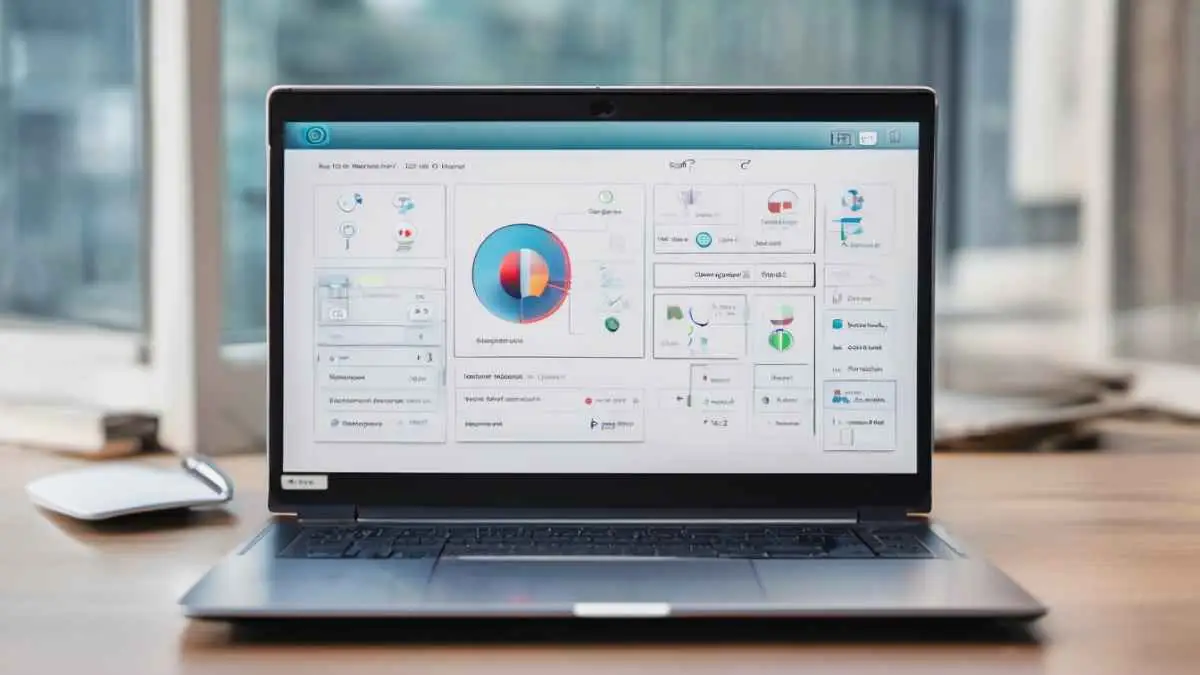
Managing a website can be complex, especially if you are new to hosting. Hosting control panels simplify the process by providing a graphical interface to manage server settings, domains, databases, emails, and files without needing advanced technical skills.
Control panels make website administration faster, more intuitive, and less prone to errors.
Why Hosting Control Panels Matter
A hosting control panel is crucial for both beginners and experienced users because it:
-
Simplifies server management: Allows easy configuration without command-line knowledge.
-
Centralizes management: Manage domains, databases, email accounts, backups, and security in one place.
-
Saves time: Perform tasks like installing content management systems with a single click.
-
Reduces errors: Minimizes mistakes that can occur with manual server commands.
Without a control panel, even routine tasks like creating a new email account or updating a database can be complex and time-consuming.
Key Features of Hosting Control Panels
Most control panels offer similar features, including:
1. Domain Management
-
Add or remove domains and subdomains
-
Configure DNS settings
-
Manage domain redirects
2. File Management
-
Upload, edit, and delete website files
-
Use FTP access or built-in file managers
-
Set file permissions for security
3. Email Management
-
Create and manage email accounts linked to your domain
-
Set up forwarding, autoresponders, and spam filters
4. Database Management
-
Create and manage databases, usually MySQL or MariaDB
-
Use tools like phpMyAdmin for easy database access and queries
5. Application Installation
-
Install content management systems (CMS) like WordPress, Joomla, or Drupal with a single click
-
Manage updates and plugins easily
6. Security and Backups
-
Enable SSL certificates
-
Configure firewalls and security settings
-
Schedule automated backups
7. Monitoring and Analytics
-
Track website traffic and resource usage
-
Monitor bandwidth and disk usage to prevent overload
Popular Hosting Control Panels
cPanel
-
Most widely used for Linux servers
-
Offers a user-friendly interface and extensive documentation
-
Includes features for domains, email, databases, and security
Plesk
-
Compatible with Linux and Windows servers
-
Offers a modern interface and robust security features
-
Supports multiple CMS platforms and automated updates
DirectAdmin
-
Lightweight and fast
-
Focuses on core hosting management tasks
-
Popular for smaller hosting providers or low-resource servers
Webmin/Virtualmin
-
Free and open-source for Linux
-
Offers advanced configuration options for users comfortable with technical settings
Choosing the Right Control Panel
When selecting a hosting control panel, consider:
-
Ease of use: Beginners benefit from intuitive interfaces and tutorials.
-
Compatibility: Ensure it works with your server’s operating system (Linux or Windows).
-
Features: Look for email, database, security, and CMS support.
-
Cost: Some panels are free, while others like cPanel may require licensing fees.
Final Thoughts
Hosting control panels are essential tools for simplifying website management, especially for beginners. They provide a centralized interface to manage domains, databases, files, emails, and security without needing extensive technical knowledge.
By choosing the right control panel and exploring its features, you can save time, reduce errors, and focus on building your website, rather than troubleshooting server issues.